
Download Weibo Video
XGetter is a powerful weibo video downloader that lets you save weibo video in HD quality with batch download and story support.
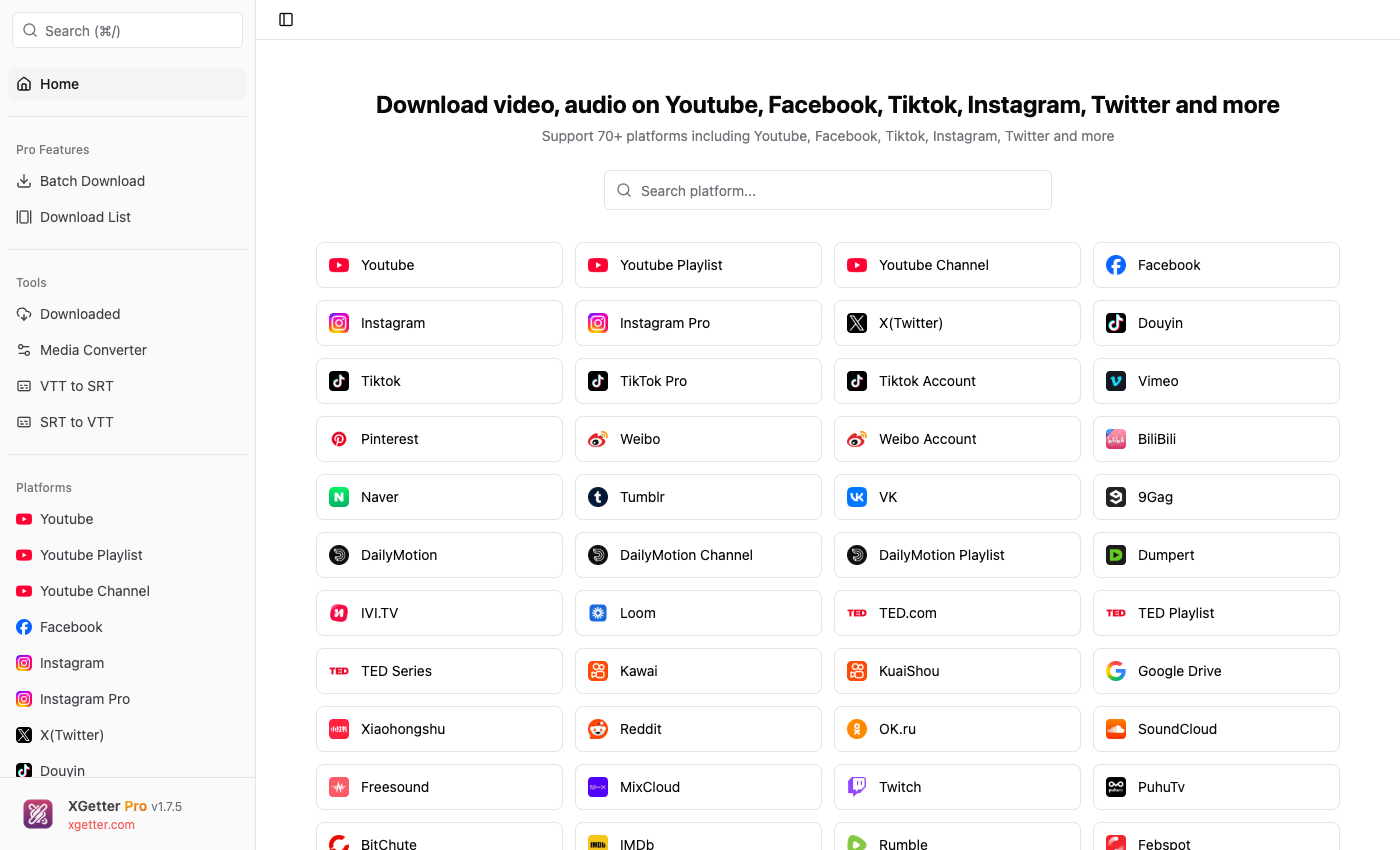
How to Download Weibo Video
- Copy the Weibo video or post URL
- Open XGetter and paste the URL into the input field
- Select your preferred video quality
- Click Download to save the weibo video
- Find the saved video in your downloads folder
Features
HD Quality Downloads
Download weibo video in the highest available resolution. XGetter extracts the best quality source for crystal-clear playback offline.
Account Batch Download
Save multiple videos from any Weibo account at once. Batch download entire profiles with a single URL for efficient archiving.
Stories Download
Download Weibo stories before they expire. Save ephemeral content in original HD quality to keep them permanently.
FAQ
How do I download a video from Weibo?
Copy the Weibo post URL containing the video, paste it into XGetter, select quality, and click Download. Works with any public Weibo video.
Can I batch download all videos from a Weibo account?
Yes, XGetter supports batch downloading from Weibo accounts. Paste the profile URL and download all available videos at once.
Does XGetter support Weibo stories?
Yes, you can save Weibo stories in their original HD quality before they expire using XGetter.
Do I need a Weibo account to download videos?
Public videos can be downloaded without an account. For restricted content, use cookie-based authentication in XGetter.
Download XGetter Now
Start downloading Weibo videos in HD quality today.