
Download VK Video
XGetter is a fast vk video downloader that lets you save vk video in HD quality, including private videos with cookie authentication and VK clips.
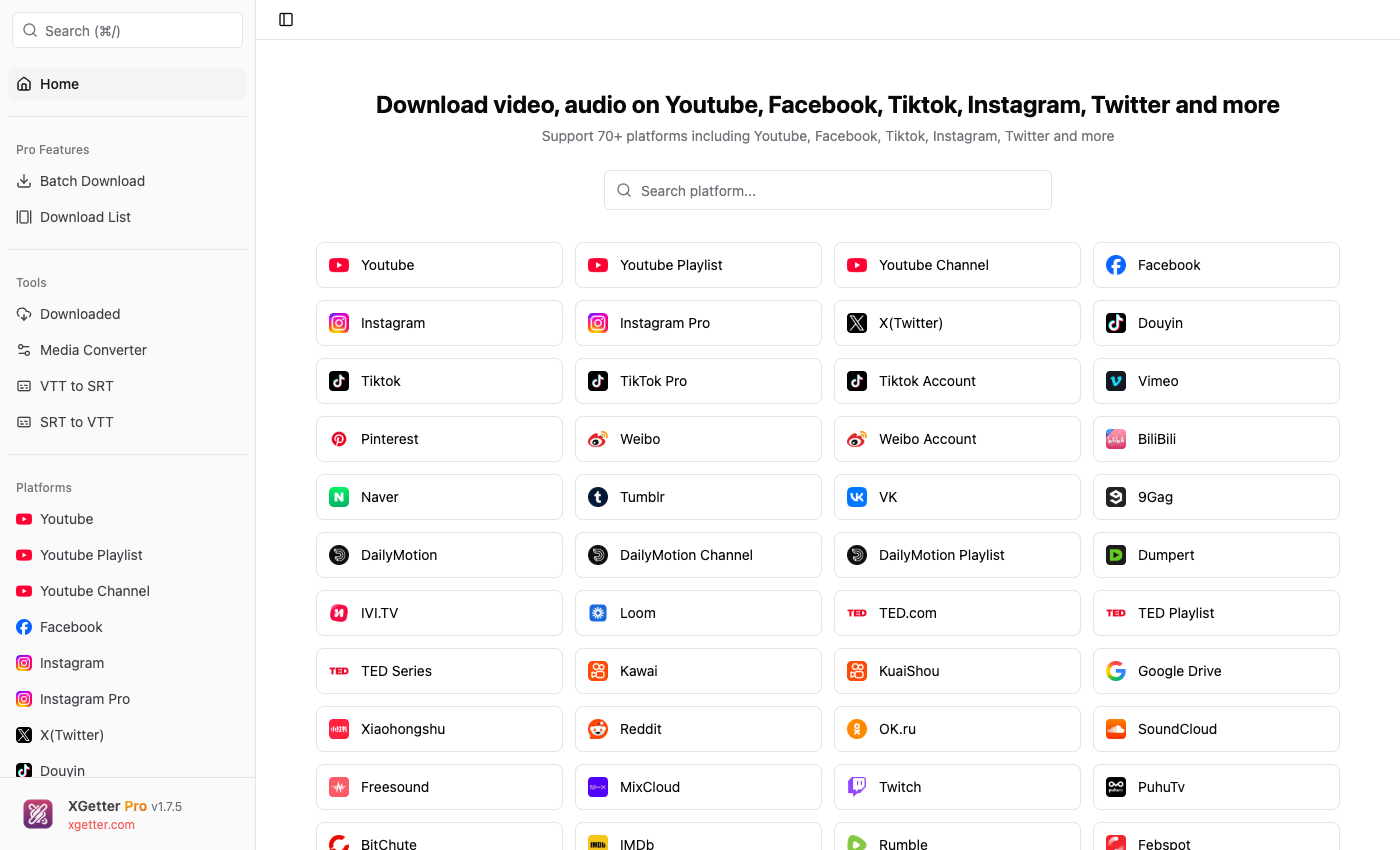
How to Download VK Video
- Copy the VK video URL from your browser
- Open XGetter and paste the URL into the input field
- Select video quality (360p, 480p, 720p, 1080p)
- Click Download to save the vk video
- Enjoy your video offline
Features
HD Quality Downloads
Download vk video in the highest available resolution up to 1080p Full HD. Choose from multiple quality options for any video.
Private Videos with Authentication
Save vk video from private profiles and groups using cookie-based authentication. Access restricted content you have permission to view.
VK Clips Support
Download short VK clips and stories in original quality. Save trending clips before they disappear.
FAQ
How do I download a video from VK?
Copy the VK video link, paste it into XGetter, choose your quality preference, and click Download. The video saves directly to your computer.
Can I download private VK videos?
Yes, XGetter supports cookie-based authentication. Add your VK cookies to access and download private videos you have permission to view.
What is the best VK video downloader?
XGetter is a desktop VK video downloader that works offline, supports HD quality, private videos, and VK clips without browser extensions.
Can I download VK clips and stories?
Yes, XGetter supports downloading VK clips and stories in their original HD quality.
Download XGetter Now
Start downloading VK videos in HD quality today.