
Download Tumblr Video
XGetter is a reliable tumblr video downloader that lets you save tumblr video posts and GIFs in HD quality directly to your computer.
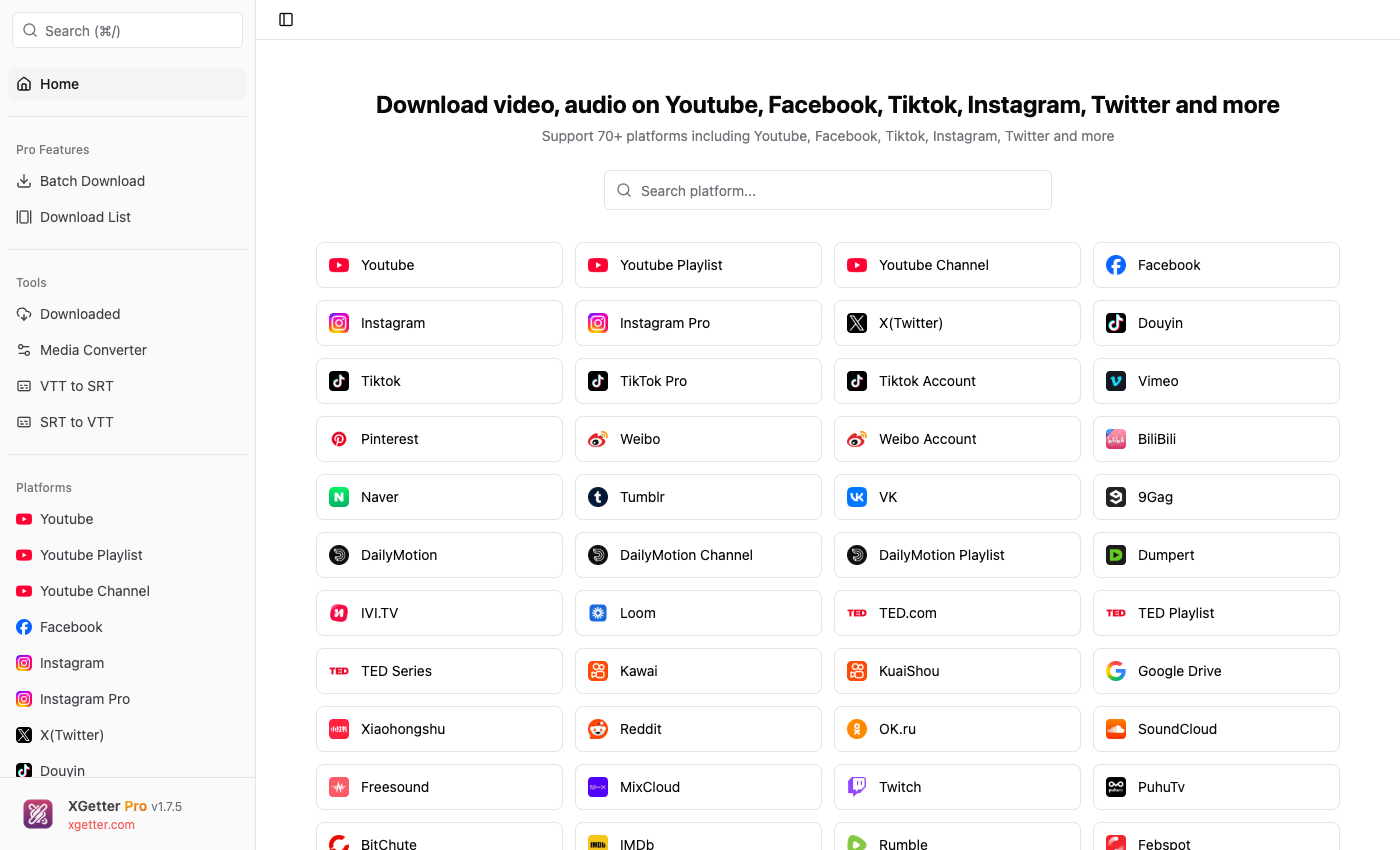
How to Save Tumblr Video
- Copy the Tumblr post URL containing the video or GIF
- Open XGetter and paste the URL into the input field
- Select your preferred format and quality
- Click Download to save the tumblr video
- Find the saved file in your chosen download folder
Features
Video Posts Download
Download tumblr video posts in their original quality. Supports all video formats posted on Tumblr including embedded and native videos.
GIF Downloads
Save Tumblr GIFs as high-quality video files or original GIF format. Preserve animation quality without compression artifacts.
HD Quality
Save tumblr video in the highest available resolution. XGetter extracts the best quality source directly from Tumblr servers.
FAQ
How do I download a video from Tumblr?
Copy the Tumblr post URL, paste it into XGetter, select quality, and click Download. The video will be saved to your computer.
Can I save Tumblr GIFs with XGetter?
Yes, XGetter can download Tumblr GIFs in their original format or convert them to video files for better quality and smaller file size.
Does XGetter work with private Tumblr posts?
XGetter can download videos from public Tumblr posts. For private posts, you need to be logged in and use cookie-based authentication.
What quality can I download Tumblr videos in?
XGetter downloads Tumblr videos in the highest quality available, typically up to 1080p HD depending on the original upload.
Download XGetter Now
Start saving Tumblr videos and GIFs in HD quality today.