
Download Telegram Videos with XGetter
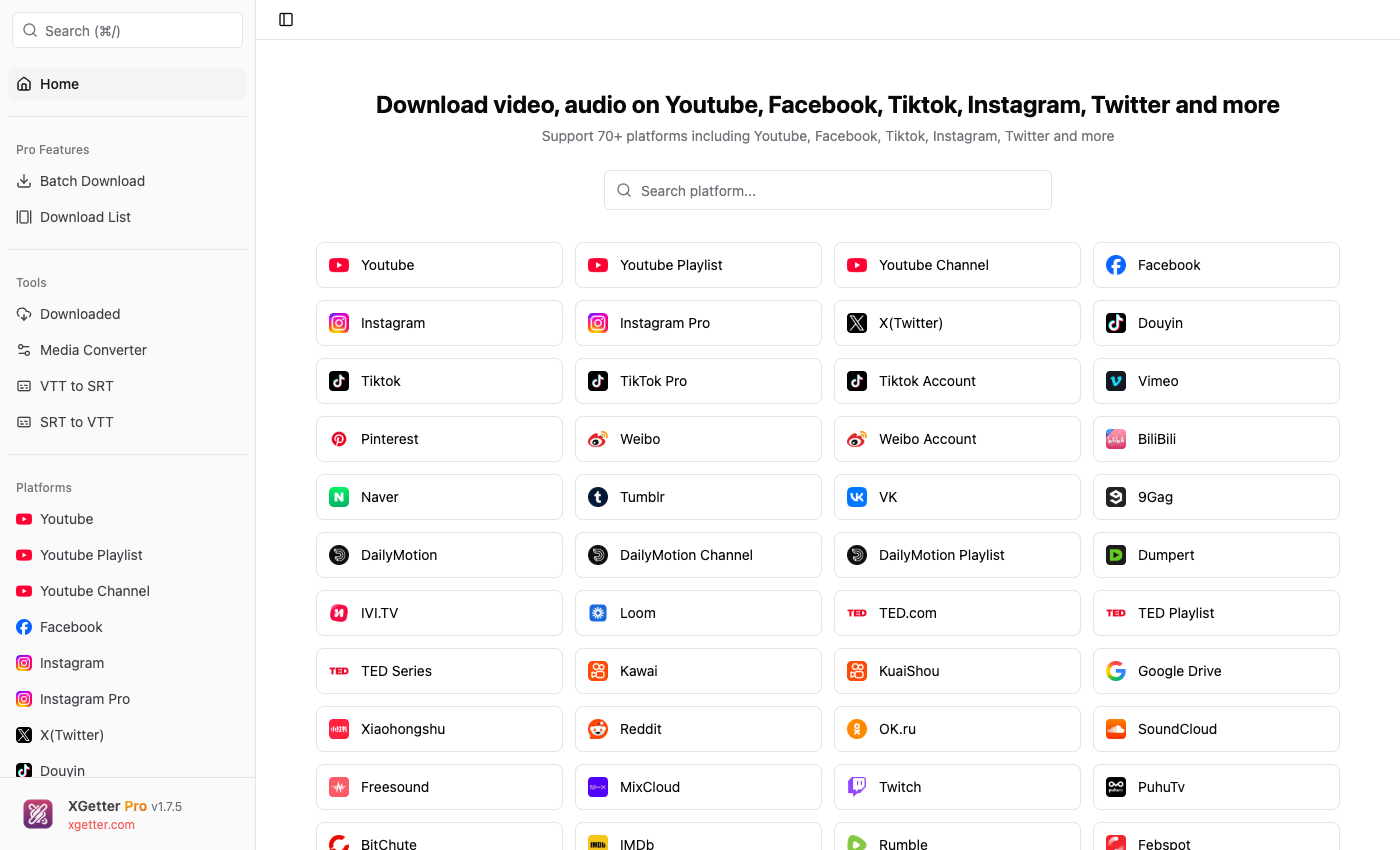
How to Download Telegram Videos
- Open XGetter and navigate to the Telegram section
- Copy the public channel or message video link
- Paste the URL into XGetter's input field
- Select your preferred video quality
- Click Download to save the Telegram video
Features
Channel Video Downloads
Download videos from public Telegram channels. Save educational content, news clips, and media shared in channels.
Group Media Support
Save video content shared in public Telegram groups. Download media files that are accessible via public links.
HD Quality Preservation
Download Telegram videos in their original upload quality. No compression or quality loss during the download process.
FAQ
Can I download videos from Telegram channels?
Yes, XGetter can download videos from public Telegram channels using the message link (t.me links).
Does it work with private channels?
XGetter works with publicly accessible Telegram content. Private channel videos require a public share link to download.
What video quality can I expect?
Videos are downloaded in their original upload quality. Telegram supports videos up to 2GB, and XGetter preserves the full resolution.
Can I download audio messages from Telegram?
XGetter focuses on video content from Telegram. Video messages and video files shared in public channels are supported.
Download XGetter Now
Start downloading Telegram videos today. Available for all platforms: