
Download TED Talk Videos with XGetter
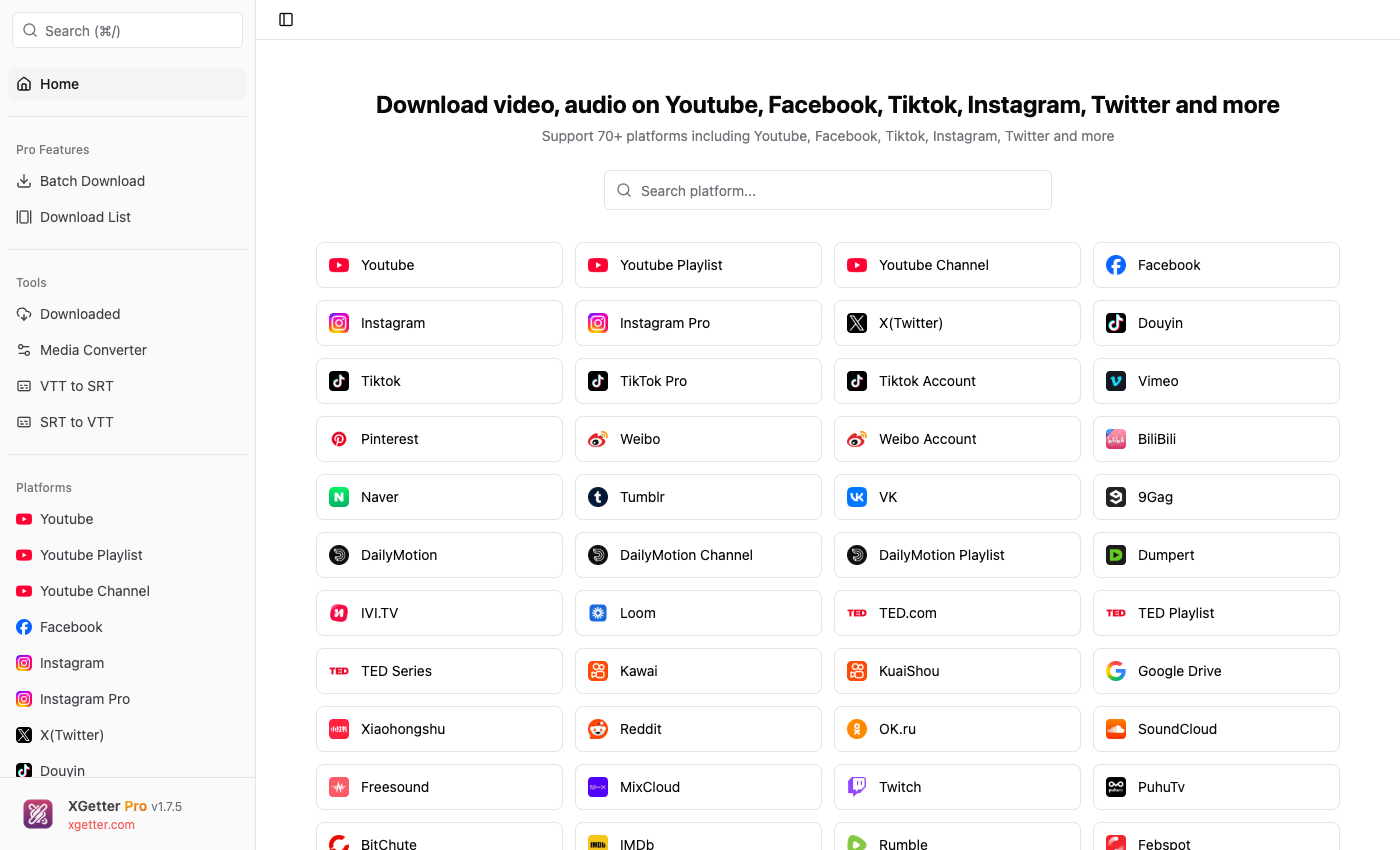
How to Download TED Talk Videos
- Open XGetter and navigate to the TED section
- Copy the TED Talk URL from your browser
- Paste the URL into XGetter's input field
- Select your preferred video quality and subtitle language
- Click Download to save the TED Talk to your computer
Features
TED Talks Download
Save any TED Talk presentation in HD quality. Download inspiring speeches, scientific lectures, and educational content for offline viewing.
Playlist & Series Support
Download entire TED playlists and series in one go. Batch download multiple talks organized by topic or speaker.
Multi-Language Subtitles
Download TED Talks with subtitles in 100+ languages. Save subtitles as separate SRT files or embed them directly into the video.
FAQ
Is it free to download TED Talk videos?
XGetter offers a free tier that supports TED Talk downloads with basic features. Premium plans unlock batch downloads and higher quality options.
Can I download TED playlists at once?
Yes, XGetter supports full playlist and series downloads. Simply paste the playlist URL and all videos will be queued automatically.
What formats are available for TED downloads?
You can download TED Talks in MP4 (video) or MP3 (audio-only) formats in various quality levels up to 1080p HD.
Can I download subtitles separately?
Yes, XGetter can extract subtitles as standalone SRT or VTT files in any available language.
Download XGetter Now
Start downloading TED Talks today. Available for all platforms: