
Download SoundCloud Music - SoundCloud MP3 Downloader
Save SoundCloud songs and playlists as high-quality MP3 files using XGetter.
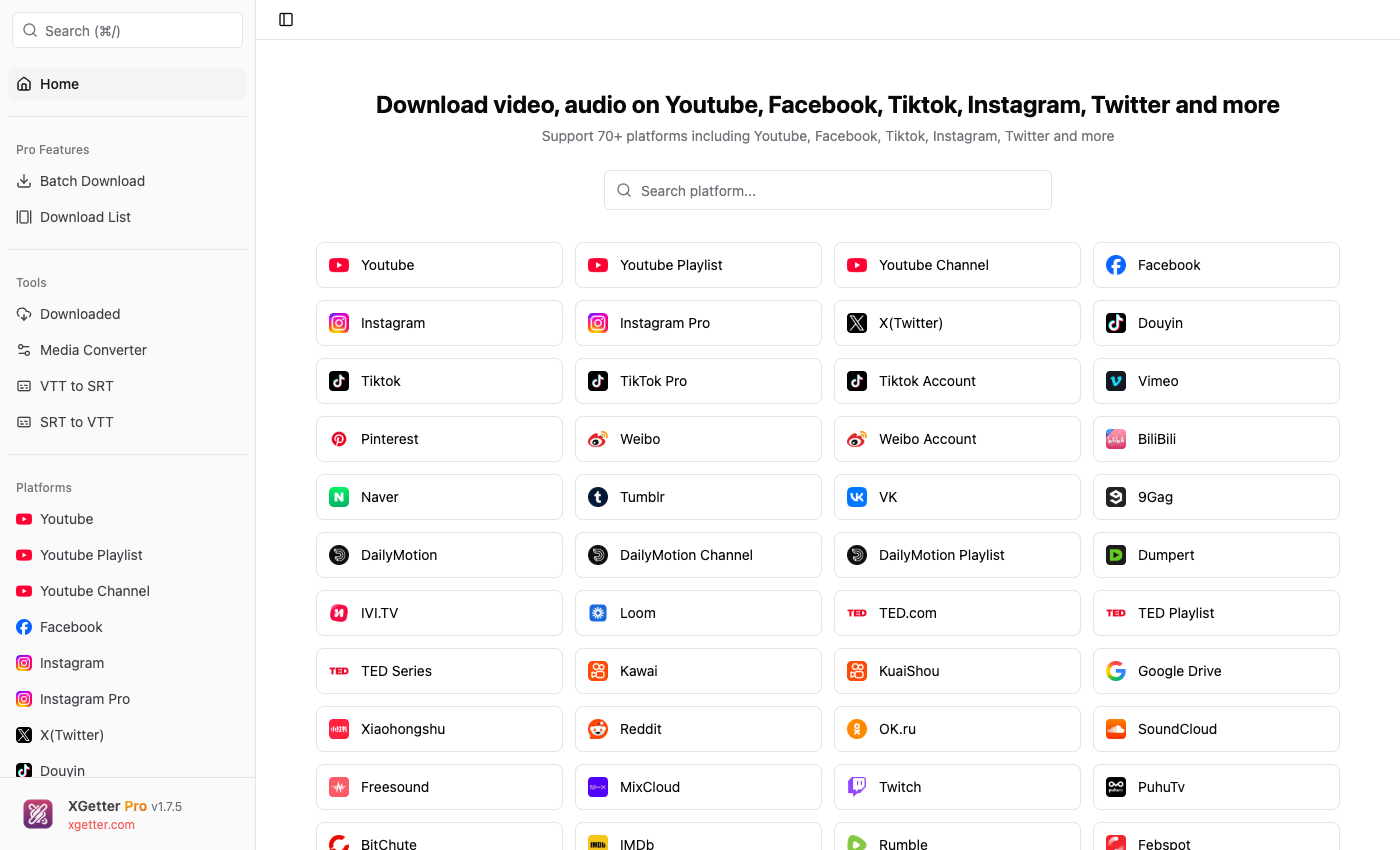
How to Download SoundCloud Music
- Copy the SoundCloud track or playlist URL from your browser
- Open XGetter and paste the URL
- Click Get Video to fetch track information
- Select audio quality (128kbps or 320kbps when available)
- Click Download to save the song as MP3
High-Quality Audio Downloads
Download SoundCloud tracks in the highest available bitrate. XGetter saves audio in MP3 format, ready for any music player or device.
Playlist and Album Support
Download entire SoundCloud playlists or albums in one go. XGetter fetches all tracks and downloads them sequentially to your chosen folder.
Track Metadata Preserved
Downloaded files retain track metadata including title, artist name, and artwork when available, keeping your music library organized.
FAQ
How to download SoundCloud songs as MP3?
Paste the SoundCloud track URL into XGetter. The app automatically downloads the audio as an MP3 file in the best available quality.
Can I download an entire SoundCloud playlist?
Yes. Paste the SoundCloud playlist URL and XGetter will detect all tracks, letting you download the complete playlist at once.
Is it possible to download SoundCloud music in 320kbps?
XGetter downloads in the highest quality available. If the original upload is in high quality, you'll get up to 320kbps audio.
How to save SoundCloud songs on PC?
Copy the track URL from soundcloud.com, paste it into XGetter, and click Download. The MP3 file saves directly to your computer.
Download XGetter
Start downloading SoundCloud music today: