
Download Rumble Videos with XGetter
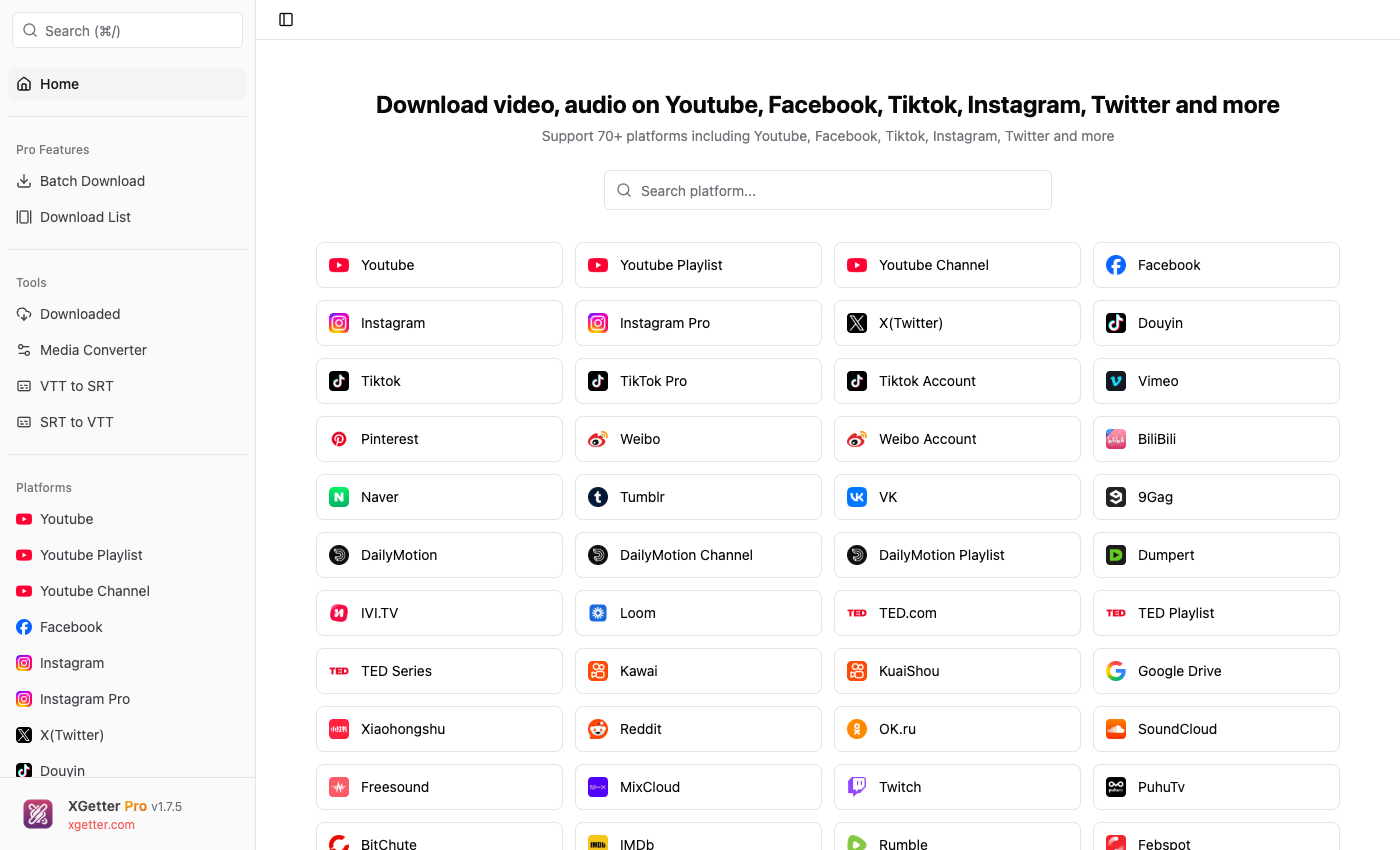
How to Download Rumble Videos
- Open XGetter and navigate to the Rumble section
- Copy the video URL from Rumble's website
- Paste the URL into XGetter's input field
- Select your preferred quality (up to 4K)
- Click Download to save the Rumble video
Features
HD & 4K Quality Downloads
Download Rumble videos in the highest available quality including full HD 1080p and 4K resolution when available.
Full Platform Support
Save any public video from Rumble including news, commentary, entertainment, and educational content from the free speech video platform.
Fast & Reliable Downloads
XGetter provides fast download speeds with resume support. Large video files download reliably without interruption.
FAQ
Can I download Rumble videos in 4K?
Yes, if the video was uploaded in 4K resolution, XGetter will download it at full 4K quality. You can also choose lower resolutions.
Is it free to download Rumble videos?
XGetter offers a free tier that supports Rumble video downloads. Premium plans unlock batch downloads and additional features.
Can I download Rumble live streams?
XGetter supports downloading completed live stream replays from Rumble. Active live streams cannot be downloaded during broadcast.
What formats are available?
Rumble videos can be downloaded in MP4 format (video) or extracted as MP3 (audio-only) for podcast-style content.
Download XGetter Now
Start downloading Rumble videos today. Available for all platforms: