
Download OK.ru Video
XGetter is a powerful odnoklassniki video downloader that lets you download ok.ru video in HD quality from the popular Russian social network.
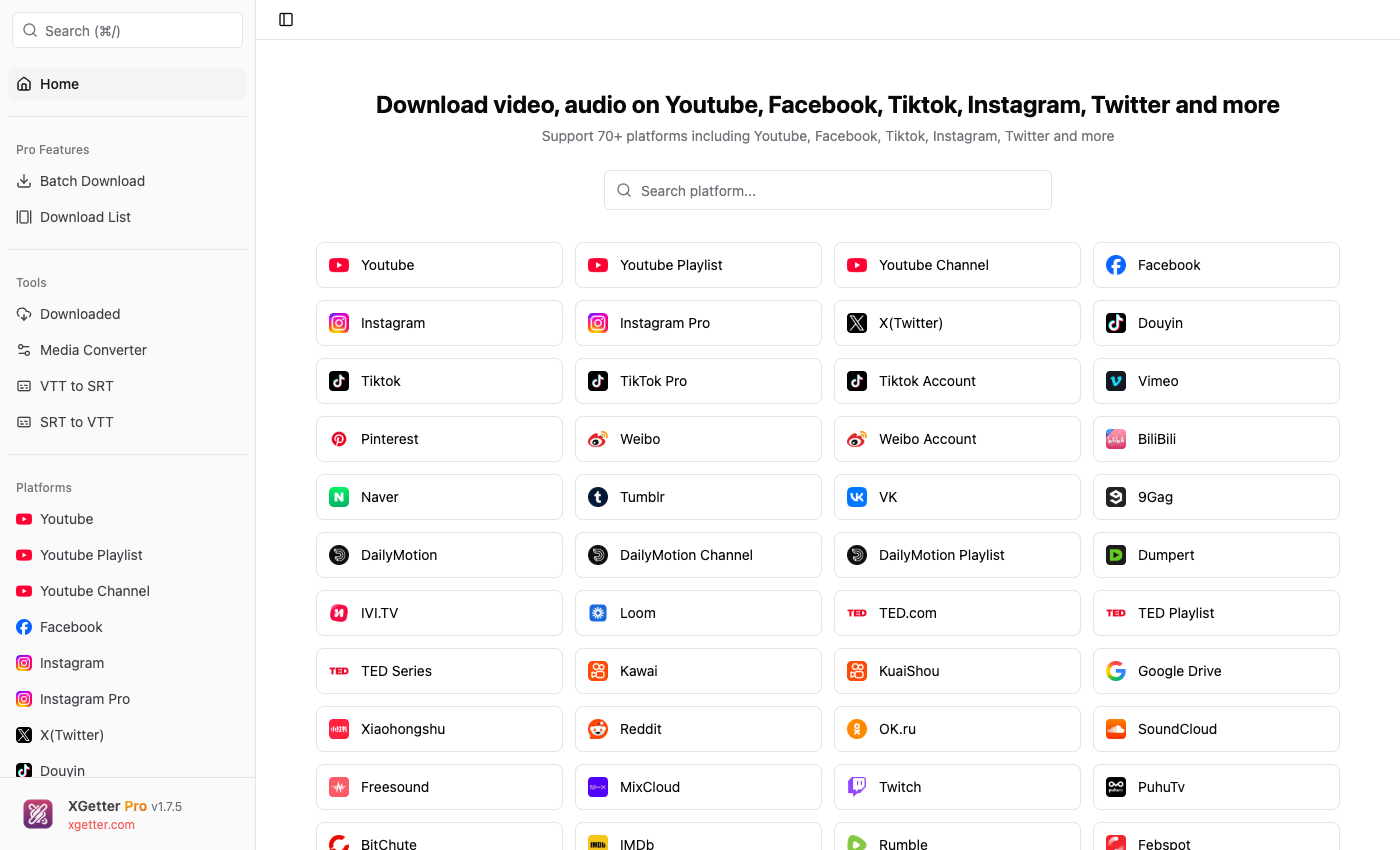
How to Download OK.ru Video
- Copy the OK.ru (Odnoklassniki) video URL
- Open XGetter and paste the URL into the input field
- Select your preferred video quality (480p, 720p, 1080p)
- Click Download to save the ok video
- Watch Odnoklassniki videos offline
Features
HD Quality Downloads
Download ok.ru video in the highest available resolution up to 1080p Full HD. Multiple quality options for every video.
Russian Social Network Videos
Save videos from Odnoklassniki including user uploads, movie clips, music videos, and shared content from the popular social platform.
Fast and Reliable
XGetter provides fast download speeds with resume support. Interrupted downloads can be continued without starting over.
FAQ
How do I download a video from OK.ru?
Copy the OK.ru video URL from your browser, paste it into XGetter, select quality, and click Download. The video saves to your computer.
Can I download HD videos from Odnoklassniki?
Yes, XGetter supports downloading OK.ru videos up to 1080p HD quality depending on the original upload resolution.
Is XGetter free for OK.ru downloads?
Yes, XGetter offers a free plan for downloading Odnoklassniki videos. Premium plans provide faster speeds and batch downloads.
Do I need an OK.ru account to download videos?
Public videos can be downloaded without an account. For restricted content, use cookie authentication in XGetter settings.
Download XGetter Now
Start downloading OK.ru videos in HD quality today.