
Download Loom Video
XGetter is a reliable loom video downloader that lets you save loom recording and presentations in HD quality for offline viewing.
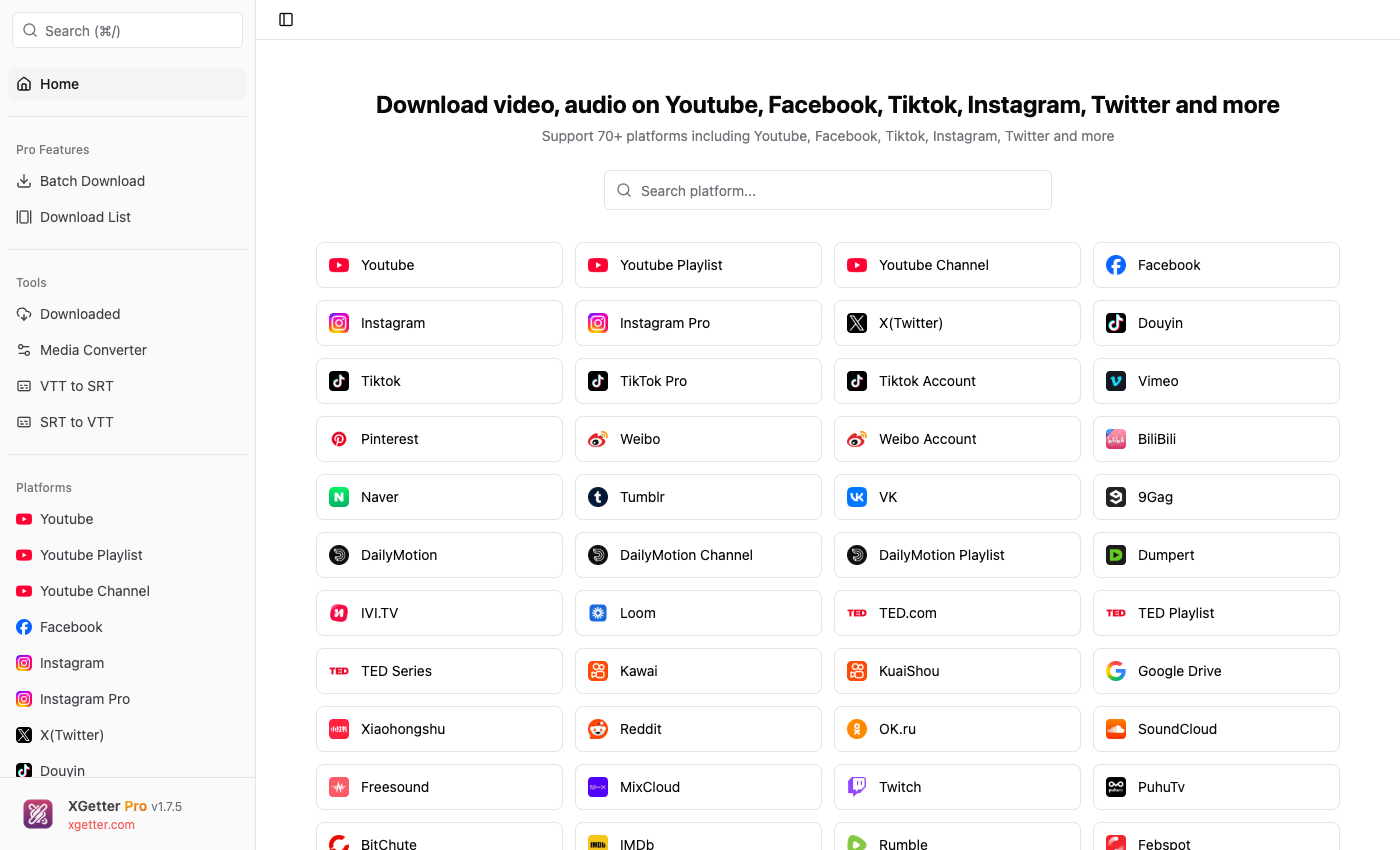
How to Download Loom Video
- Copy the Loom video share URL
- Open XGetter and paste the URL into the input field
- Select your preferred video quality
- Click Download to save the loom recording
- Access presentations and recordings offline
Features
Screen Recordings Download
Download Loom screen recordings in their original quality. Save tutorials, walkthroughs, and demos for offline reference.
Presentations
Save Loom video presentations and meeting recordings. Keep important business content accessible without internet.
HD Quality
Download loom video in the highest available resolution. XGetter preserves the full quality of screen captures and webcam footage.
FAQ
How do I download a Loom video?
Copy the Loom share URL, paste it into XGetter, and click Download. The screen recording will be saved to your computer in HD quality.
Can I download Loom videos without a Loom account?
Yes, if the Loom video has a public share link, XGetter can download it without requiring any account or login.
What quality are Loom downloads?
XGetter downloads Loom recordings in their original uploaded quality, typically 720p or 1080p depending on the recorder's settings.
Can I save password-protected Loom videos?
XGetter works with publicly shared Loom links. Password-protected videos require the password to be accessible via the share URL.
Download XGetter Now
Start downloading Loom recordings in HD quality today.