
Download Google Drive Videos with XGetter
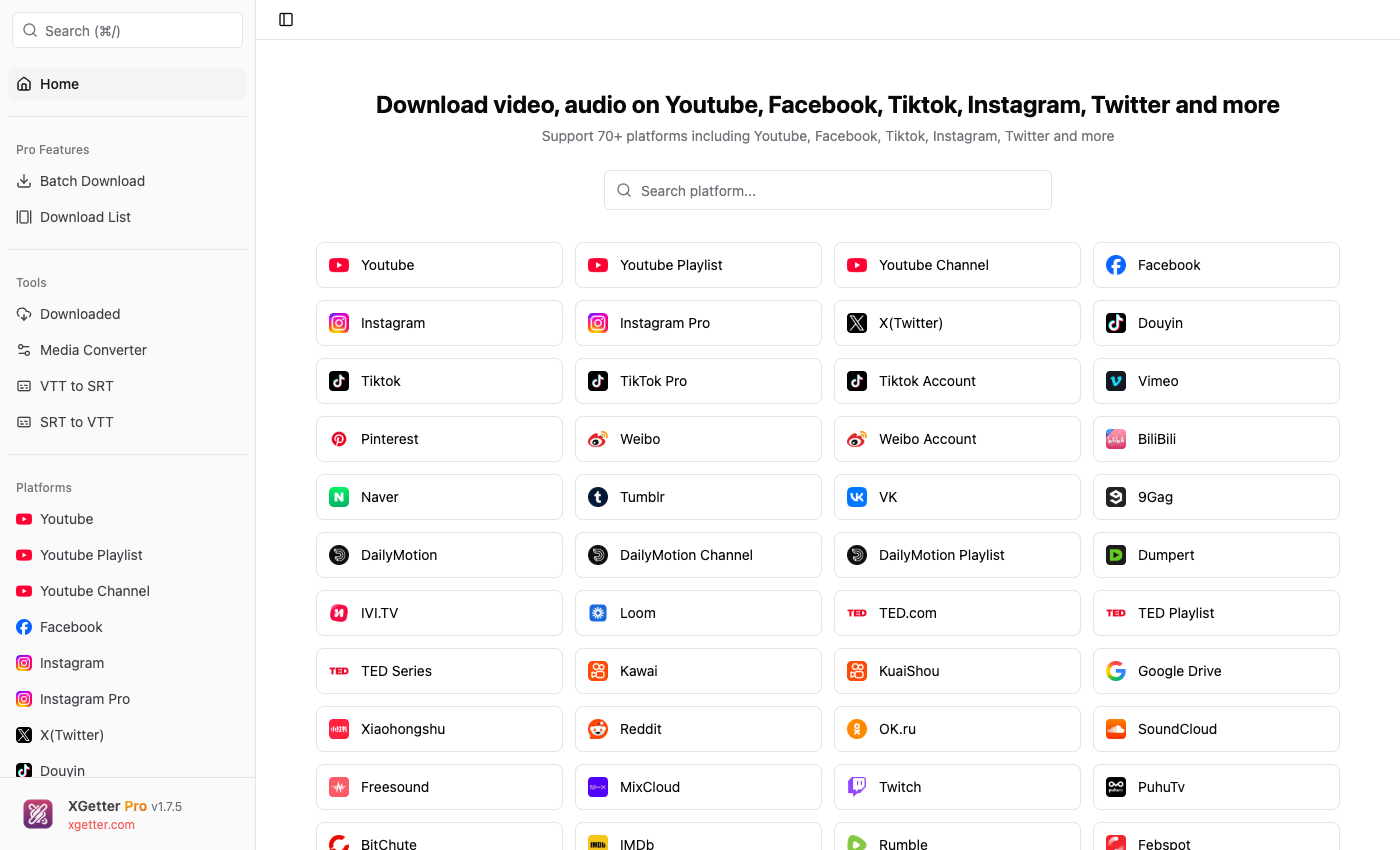
How to Download Google Drive Videos
- Open XGetter and navigate to the Google Drive section
- Copy the shared video link from Google Drive
- Paste the URL into XGetter's input field
- Choose your desired output quality
- Click Download to save the video locally
Features
Shared Video Downloads
Download any publicly shared or link-accessible Google Drive video. Bypass the "download disabled" restriction on view-only shared files.
Stream Recording Support
Save Google Meet recordings, lecture captures, and other stream recordings stored on Google Drive in their original quality.
Flexible Quality Options
Choose from available quality options including the original upload quality. Download videos in MP4 format compatible with all devices.
FAQ
Can I download view-only Google Drive videos?
Yes, XGetter can download videos shared with view-only permissions as long as you have access to the link.
What about large video files on Google Drive?
XGetter handles large files without the Google Drive download quota limitations. Files of any size can be downloaded reliably.
Do I need to be signed in to Google?
For publicly shared videos, no sign-in is required. For restricted videos, you may need to provide authentication via cookies.
Download XGetter Now
Start downloading Google Drive videos today. Available for all platforms: