
Download Freesound Audio with XGetter
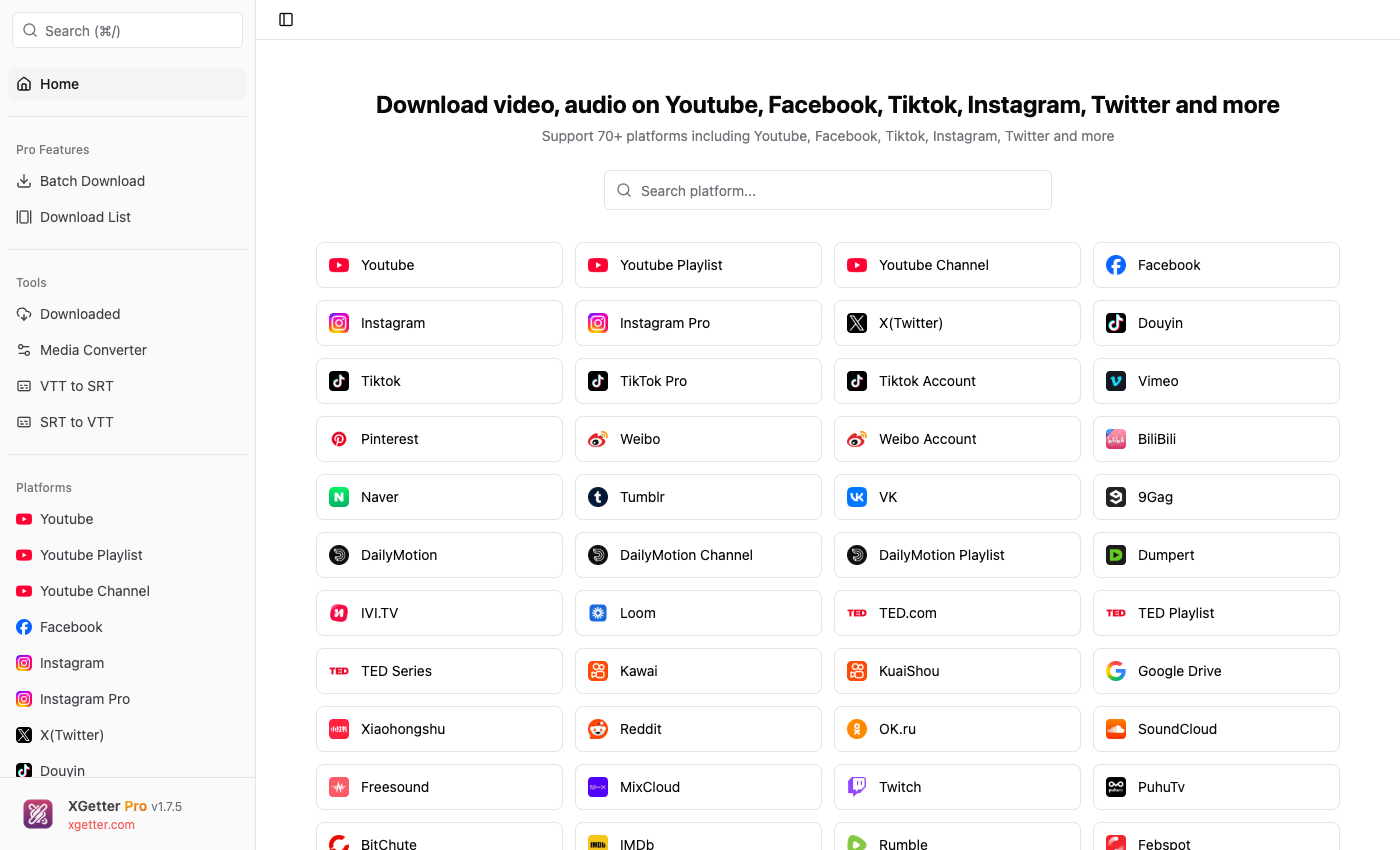
How to Download Freesound Audio
- Open XGetter and navigate to the Freesound section
- Copy the sound URL from Freesound.org
- Paste the URL into XGetter's input field
- Select your preferred audio format
- Click Download to save the audio file
Features
Sound Effects Downloads
Download sound effects from Freesound's extensive library. Save nature sounds, urban ambience, foley, and more for your creative projects.
Audio Sample Collection
Download individual audio samples or build collections. Get high-quality recordings for music production, podcasts, and video editing.
Creative Commons Content
Access and download Creative Commons licensed audio. Freesound content comes with clear licensing for use in your projects.
FAQ
Can I use downloaded Freesound audio in my projects?
Yes, Freesound content is available under Creative Commons licenses. Check the specific license for each sound regarding attribution requirements.
What audio formats are available?
XGetter downloads Freesound audio in the original upload format, typically WAV, FLAC, or MP3 depending on the source file.
Can I batch download multiple sounds?
Yes, with XGetter Premium you can queue multiple Freesound URLs and download entire collections efficiently.
Do I need a Freesound account?
XGetter can download publicly accessible Freesound content. Some sounds may require authentication via cookies.
Download XGetter Now
Start downloading Freesound audio today. Available for all platforms: