
Download Douyin Video - Chinese TikTok Video Downloader
Download Douyin (Chinese TikTok) videos in HD quality without watermark using XGetter.
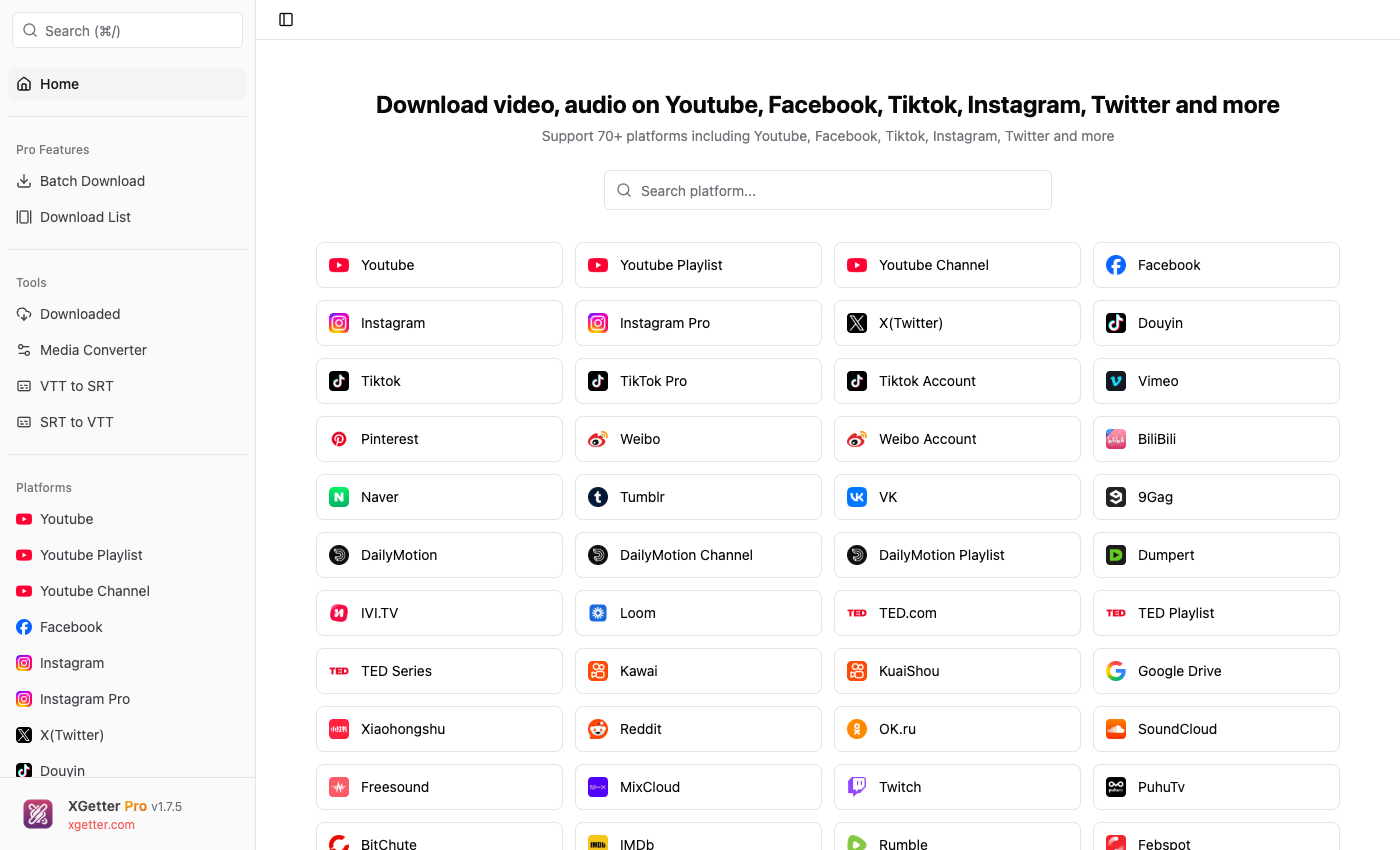
How to Download Douyin Video
- Open the Douyin app and tap Share on the video you want to download
- Copy the share text or share link
- Open XGetter and paste the share text or URL
- Click Get Video to fetch video information
- Select your preferred quality and click Download
Watermark-Free Downloads
XGetter removes the Douyin watermark automatically. Every video is saved in clean, original quality without any overlay or branding.
Share Text Parsing
No need to manually extract URLs. Simply copy the entire share text from Douyin (e.g., "7.05 February... https://v.douyin.com/xxx") and paste it directly — XGetter automatically parses and extracts the video URL.
HD Quality Support
Download Douyin videos in the highest available resolution, including 1080p and 4K when available from the source.
FAQ
How to download Douyin video without watermark?
Paste the Douyin share link into XGetter. The app automatically downloads the watermark-free version of the video in original quality.
Can I download Douyin video on PC?
Yes. XGetter is a desktop app available for Windows, macOS, and Linux that lets you download Douyin videos directly to your computer.
How to download Chinese TikTok video?
Douyin is the Chinese version of TikTok. Copy the video share text from the Douyin app and paste it into XGetter to download.
Does it support Douyin slideshows?
Yes, XGetter can download Douyin slideshow/image posts as well as standard video content.
Download XGetter
Start downloading Douyin videos today: