
Download BitChute Videos with XGetter
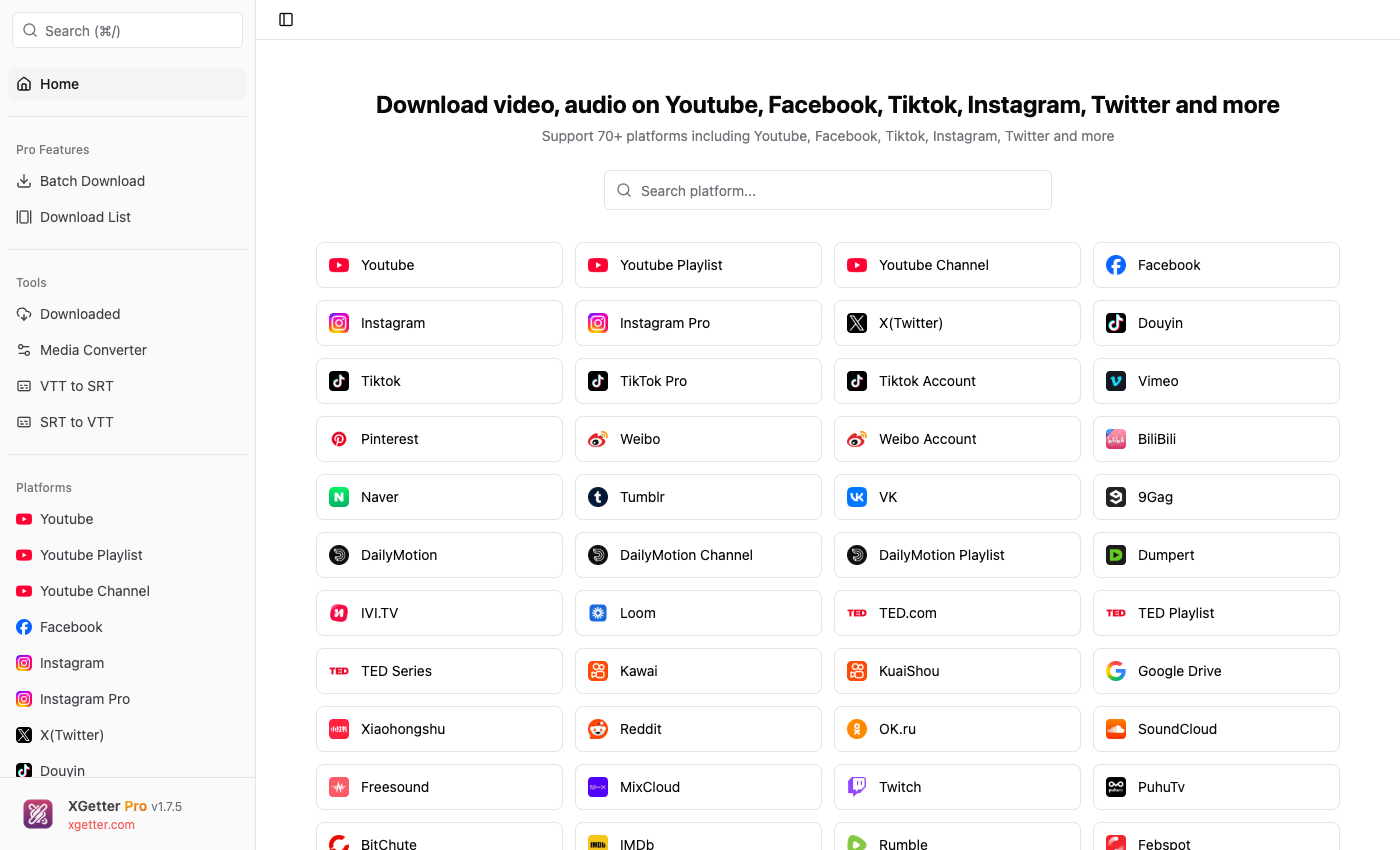
How to Download BitChute Videos
- Open XGetter and navigate to the BitChute section
- Copy the video URL from BitChute's website
- Paste the URL into XGetter's input field
- Select your preferred video quality
- Click Download to save the video locally
Features
HD Quality Downloads
Download BitChute videos in the highest available quality up to 1080p HD. Preserve original video resolution and audio quality.
Alternative Platform Support
Full support for BitChute's video hosting platform. Download documentaries, commentary, news, and educational content reliably.
Multiple Format Options
Save BitChute videos in MP4 format or extract audio as MP3. Choose the format that best suits your needs.
FAQ
Can I download BitChute videos in HD?
Yes, XGetter downloads BitChute videos in the highest available quality, up to 1080p HD depending on the original upload.
Is there a file size limit?
No, XGetter handles video files of any size from BitChute with reliable download and resume support.
Can I download audio only from BitChute?
Yes, XGetter can extract just the audio track from any BitChute video and save it as an MP3 file.
Does it work with BitChute channel pages?
XGetter works with individual video URLs from BitChute. Copy the specific video link to download it.
Download XGetter Now
Start downloading BitChute videos today. Available for all platforms: